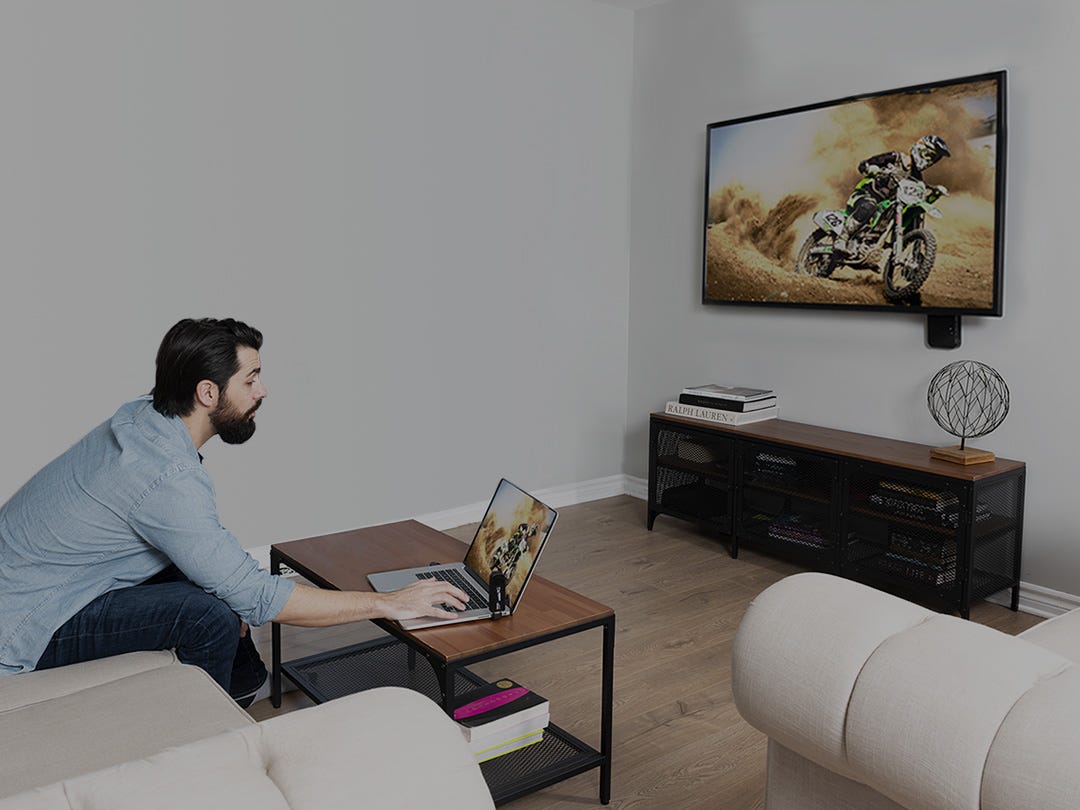
TV Call Display
Caller ID On Television System with Remote
In addition the unit keeps track of your calls while you're away. The name of the caller, their phone number, date, time and number of times they have called are stored in the 126-caller log for future reference. You can also use up to 73 of those spaces to store telephone numbers in a phone book directory. This gives you quick access to frequently dialed numbers.
Easy to setup and a breeze to use. The unit plugs in to the telephone jack and between the video-in RCA jack of your TV and the video-out RCA jack of your video source and that's it! Examples of compatible video sources are: cable box, satellite receiver, VCR, DVD player, video game system, or video camera.
This item comes with a remote control (10-button) that allows you to scroll and delete items in the log from the comfort of your sofa. The IR codes from this remote can be learned by most learning remotes.
Perfect for use in the house, kitchen, office, business, store, or even your home theater system. What a great idea . . . excellent aid for the hearing impaired!
Convenience & Security:
Features:
Callers Log:
Specifications:
video standard NTSC,
dimensions 4" x 5.8" x 1.5",
connectors: video in - RCA/video out - RCA/phone in - RJ11/phone out - RJ11,
power source 110V AC adapter,
requires 4 AA batteries for unit memory and 2 AA batteries for remote (batteries not included),
What it comes with:
TV Set Call Display unit, AC power supply, 16' telephone cord, 3' RCA video cable, fully functional 10 button remote control unit, owner's guide with 1 year warranty.
I connected my Caller ID unit the way it shows in the manual but I can’t see Caller ID or get any menu screens?
The most common cause of this problem is not selecting the correct video
input on your TV. Select which ever source the Caller ID unit is connected to.
Check with your telephone company to ensure that the Call Display service has been activated.
What wire do I use to connect to my television and what’s the difference between ‘Cable’ and ‘Video’?
‘Cable’ is the standard signal which comes out of the wall and plugs into the threaded COAX connector on the back of the
TV set. ‘Video’ is the signal which plugs into the smooth RCA style composite video
connectors on the back of the television. This caller ID unit uses the RCA style connectors.
I have an old style TV which does not have RCA video connectors.
Can I still use Caller ID On TV?
Yes, you can connect the Caller ID On TV unit using an optional RF Adapter
required for those TV's that only support a coax interface.
This adapter modulates the video signal from the caller id unit.
Use your VCR, DVD Player, Cable Box or Satellite Receiver as a video source.
Can I connect the Caller ID On TV unit directly between my Cable Box or
Satellite Receiver and TV? Yes, simply connect the unit directly between your Cable Box
or Satellite Receiver and TV using the RCA video connectors. Remember
to switch your TV to video.
* Please note: you must subscribe to Caller ID services through your phone company for use with this product.
LIMITED TIME SPECIAL. MAXIMUM 20 PER CUSTOMER.
| UPC | 871363001108 |
| Manufacturer | ShopTronics |